

It is 6:47 PM. You finished your last session twenty minutes ago, but you still have three notes to write, two superbills to send, and a client rescheduling via text. Your brain is done. The tools you use should make this easier, not harder.
A productivity app for therapists is any tool that reduces the time and friction between seeing clients and finishing the work around seeing clients. That includes documentation, scheduling, billing, communication, and even protecting your own energy. This guide helps you choose the right app category for your setting, whether you are in solo private practice, a group practice, an agency, or fully telehealth, without chasing features you will never use.
TL;DR
- The best productivity app for therapists is the one that solves your biggest daily bottleneck, not the one with the most features.
- Every app touching client data needs a BAA and clear security documentation. No exceptions.
- Start with your EHR's built-in tools before adding new apps. Fewer tools means less admin.
- AI documentation tools like Supanote can dramatically cut after-hours note writing, but only use them with verified compliance policies.
- Pick one category to fix first. Trying to overhaul everything at once creates more chaos.
What You Really Need a Productivity App to Do
The 5 Outcomes That Matter Most
Forget feature lists. Focus on outcomes. A therapist productivity tool should do at least one of these well:
- Reduce documentation time without lowering note quality. If you are spending 10+ minutes per note, that adds up to hours every week.
- Prevent scheduling gaps and no-shows. Automated reminders and self-scheduling reduce back-and-forth by up to 80%, according to a 2024 Acuity Scheduling user report.
- Keep client communication organized and compliant. Texts, portal messages, and emails scattered across platforms create risk.
- Make billing and payments predictable. Late invoices and unclear superbills cost you money and attention.
- Protect your energy. Workload visibility and boundary tools are productivity tools. Burnout is the biggest efficiency killer in this field.
Where Are You Losing Time Right Now?
Before picking any app, run this quick self-check:
- [ ] Notes piling up after sessions
- [ ] Back-and-forth scheduling messages
- [ ] Chasing invoices and superbills
- [ ] Searching for worksheets, links, and templates mid-week
- [ ] Too many apps that do not talk to each other
Your answer points you to the category that matters most. Start there.
Non-Negotiables: Privacy, HIPAA, and Ethical Use
HIPAA Basics That Affect App Choice
If an app touches protected health information (PHI), you need a Business Associate Agreement (BAA). That includes names tied to appointments, clinical notes, diagnosis codes, and billing records.
"HIPAA-compliant" is a marketing phrase, not a certification. No government body certifies apps as HIPAA-compliant. What matters is whether the vendor signs a BAA, encrypts data in transit and at rest, and gives you audit controls.
Practical Safeguards You Can Apply Today
- Use unique logins and a password manager like Bitwarden or 1Password.
- Turn on multi-factor authentication (MFA) on every platform that offers it.
- Enable device-level encryption and auto-lock on phones, tablets, and laptops.
- Do not copy PHI into general note apps unless you have a documented compliance basis.
AI Features: How to Use Them Without Creating Risk
AI documentation tools are increasingly common in therapy practice management. Before using any AI feature, confirm three things: what data is uploaded, how long it is stored, and whether the company uses your data to train models. Only use tools that provide a signed BAA and transparent data-handling policies.
Recommended Productivity Apps for Therapists (by Job to Be Done)
Here is a scannable comparison of the top tools across every category therapists typically need.
Category | Tool Name | Best For | Key Consideration | Compliance Note |
|---|---|---|---|---|
All-in-one EHR | SimplePractice | Solo/telehealth private practice | Check documentation style fit | BAA available; built-in portal |
All-in-one EHR | TherapyNotes | Structured workflows, reliability | Strong for insurance-based practices | BAA available; audit trails |
All-in-one EHR | Ensora Mental Health | Broad feature set, group practices | Confirm integrations before committing | BAA available |
Scheduling | Calendly | Rules-based self-scheduling | Review how client info is collected | No BAA; keep details minimal |
Scheduling | Acuity Scheduling | Robust controls, intake fields | Check reminder and cancellation features | No BAA by default |
Documentation | EHR templates | Safest first step for notes | PHI stays in one system | Covered under EHR's BAA |
Documentation | Supanote | AI-assisted note drafting | Verify BAA, data retention, review expectations | Confirm current BAA status |
Files/Forms | EHR client portal | Secure form and document exchange | Simplest compliant option | Covered under EHR's BAA |
Files/Forms | Google Drive | Non-PHI resources, internal ops | Not for PHI unless proper agreement in place | BAA available via Google Workspace with correct config |
Billing | QuickBooks Self-Employed | Tax organization, private pay | Keep clinical details out of memos | No BAA; not for PHI |
Billing | Office Ally | Insurance claims outside EHR | Relevant for insurance-heavy practices | BAA available |
Between-session | Quenza | Client assignments and exercises | Clarify messaging boundaries | BAA available |
Self-care/Focus | Headspace | Between-session resets | Not a clinical tool | No PHI involved |
Self-care/Focus | Todoist | PHI-free admin task management | Never put client names in tasks | No PHI involved |
All-in-One Practice Management (EHR)
For most therapists, the EHR is the center of everything. SimplePractice remains the most popular choice for solo clinicians and telehealth-focused practices in 2025-2026. TherapyNotes is often preferred by insurance-heavy practices for its structured claims workflow. Ensora Mental Health (formerly TheraNest) works well for group practices needing breadth.
Before switching EHRs, list the three features you actually use daily. Most clinicians use less than 40% of their EHR's functionality.
SimplePractice
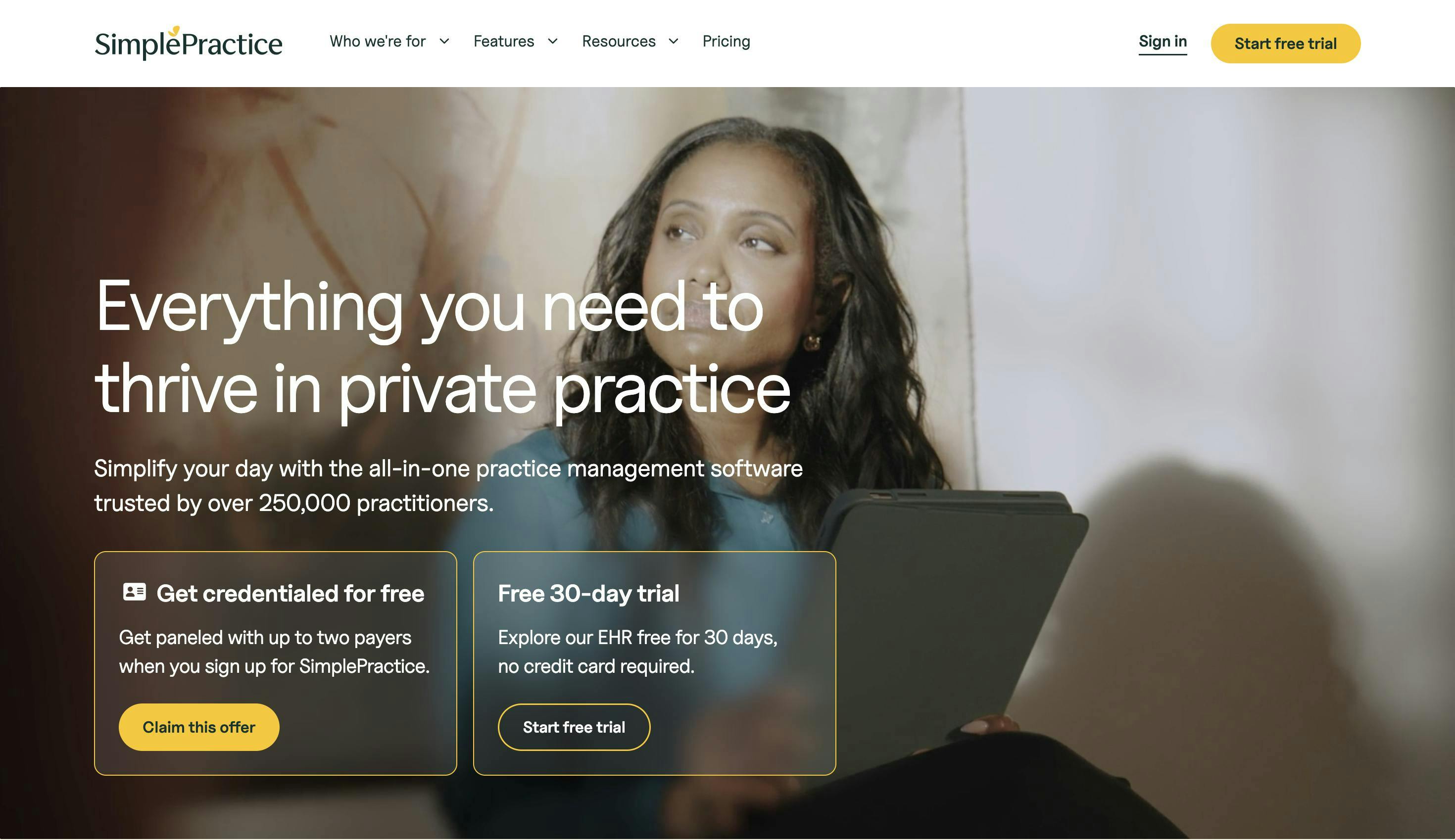
SimplePractice is an all-in-one EHR built for solo and small-group therapy practices, with a clean interface and strong telehealth integration.
- Built-in telehealth video platform
- Client portal for intake forms, messaging, and payments
- Automated appointment reminders
- Customizable note templates
- Insurance billing and superbill generation
- BAA available; data encrypted in transit and at rest
Best for: Solo clinicians and telehealth-focused private practices.
TherapyNotes
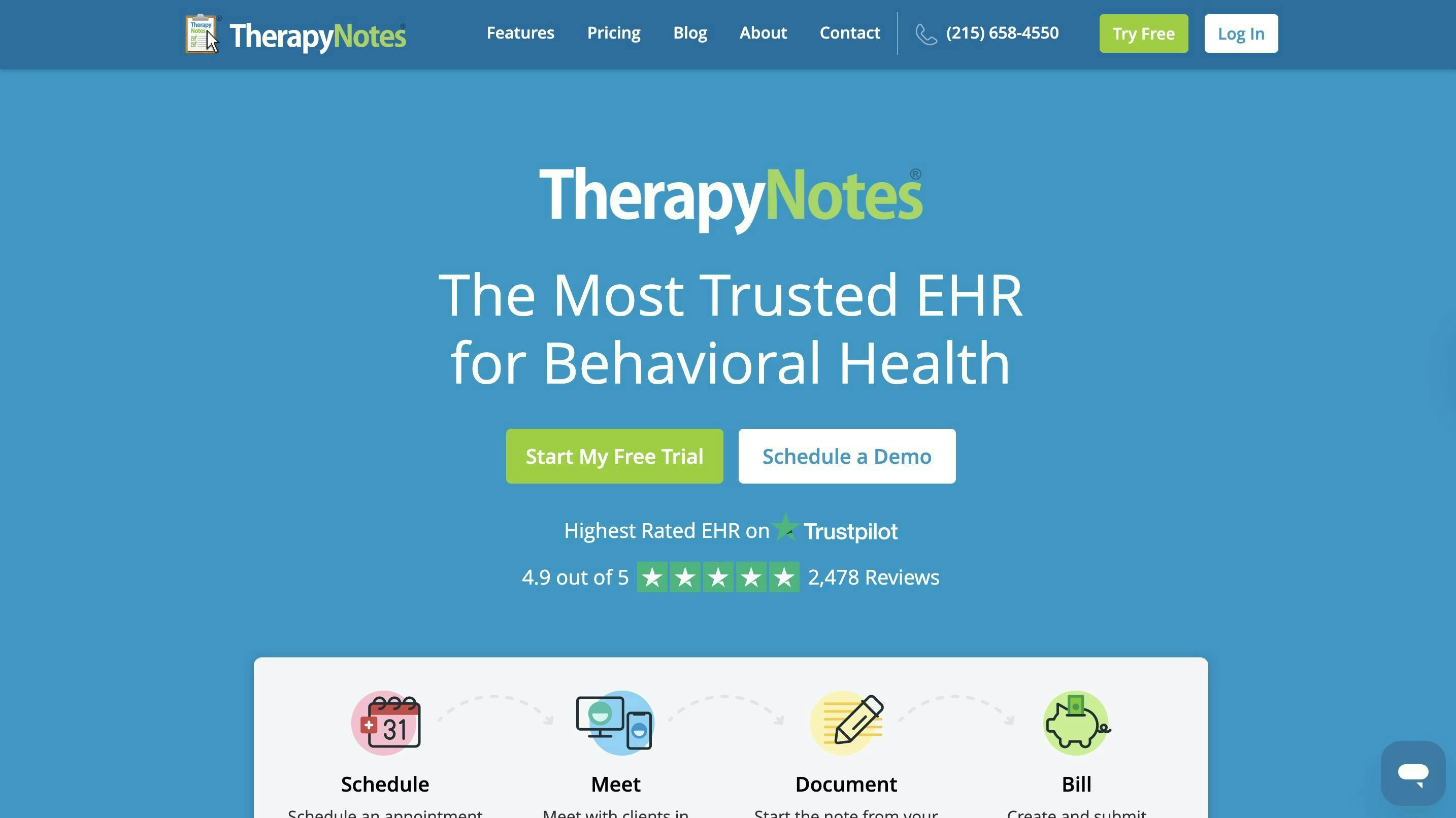
TherapyNotes is a structured EHR designed around clinical documentation and insurance billing workflows, with a reputation for reliability.
- Discipline-specific note templates (therapy, psychiatry, testing)
- Built-in insurance claims submission and ERA processing
- Scheduling with automated reminders
- Secure client portal for forms and messaging
- Audit trails and role-based access controls
- BAA available
Best for: Insurance-based practices that need a dependable claims and documentation workflow.
Ensora Mental Health
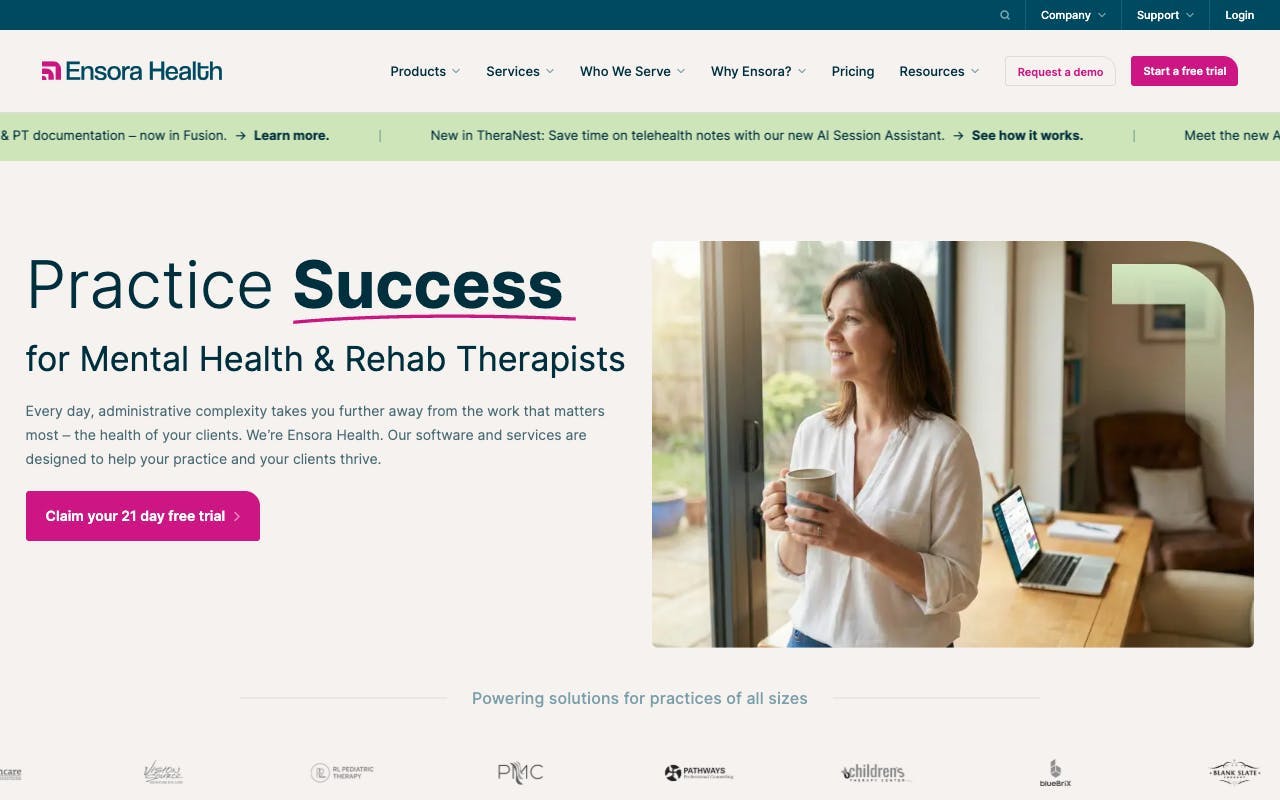
Ensora Mental Health (formerly TheraNest) is a feature-rich EHR suited to group practices managing multiple clinicians, billing streams, and documentation requirements.
- Multi-clinician scheduling and caseload management
- Insurance billing with ERA and EOB reconciliation
- Client portal with intake and consent forms
- Progress note and treatment plan templates
- Reporting dashboards for billing and scheduling
- BAA available
Best for: Group practices and clinical directors managing multiple providers.
Scheduling That Reduces No-Shows
If your EHR scheduler works, use it. Adding a separate tool creates sync issues. If it does not, Calendly and Acuity Scheduling both offer strong self-scheduling with automated reminders. Keep appointment details minimal in any tool that lacks a BAA.
Calendly
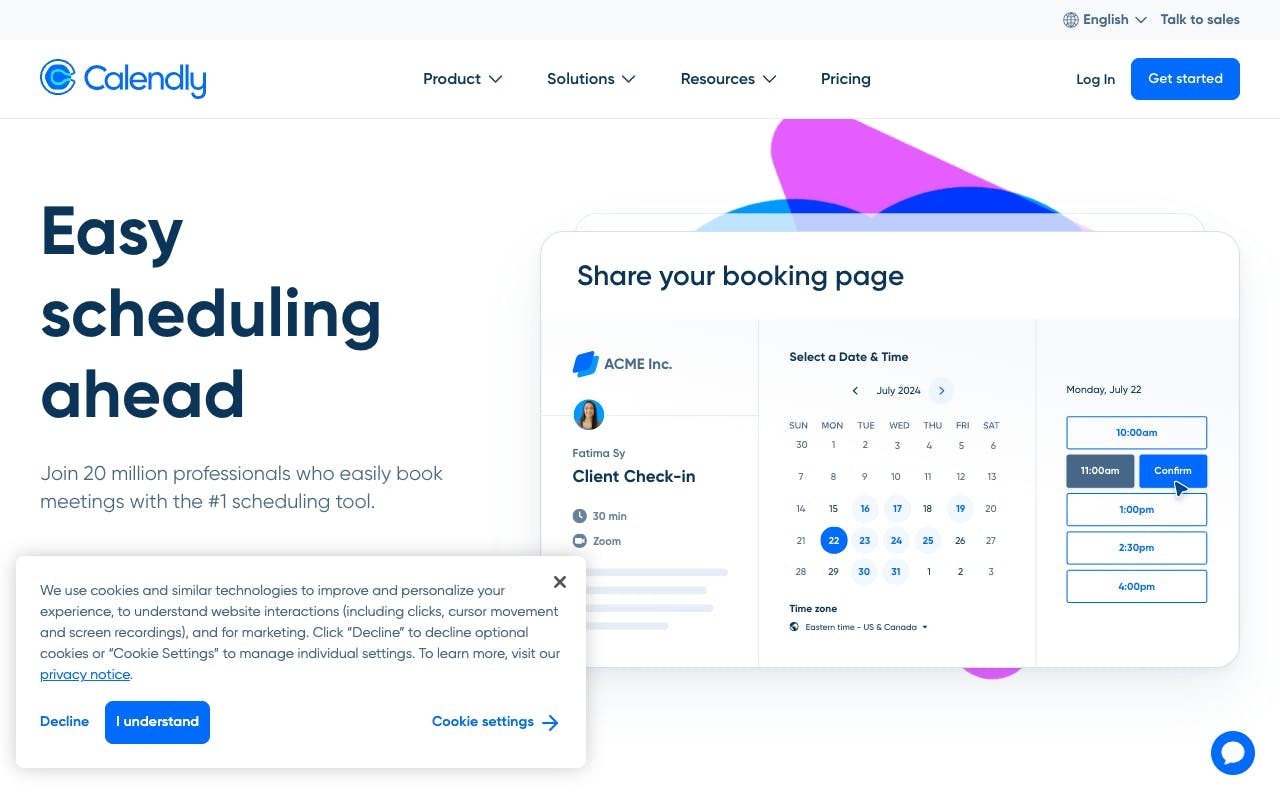
Calendly is a rules-based scheduling tool that lets clients book available slots directly, eliminating back-and-forth scheduling messages.
- Customizable availability rules and buffer times between appointments
- Automated confirmation and reminder emails
- Calendar sync with Google, Outlook, and iCloud
- Intake question fields on booking forms
- No BAA available; keep client details collected here minimal
Best for: Therapists who need simple, low-friction self-scheduling for non-PHI appointment booking.
Acuity Scheduling
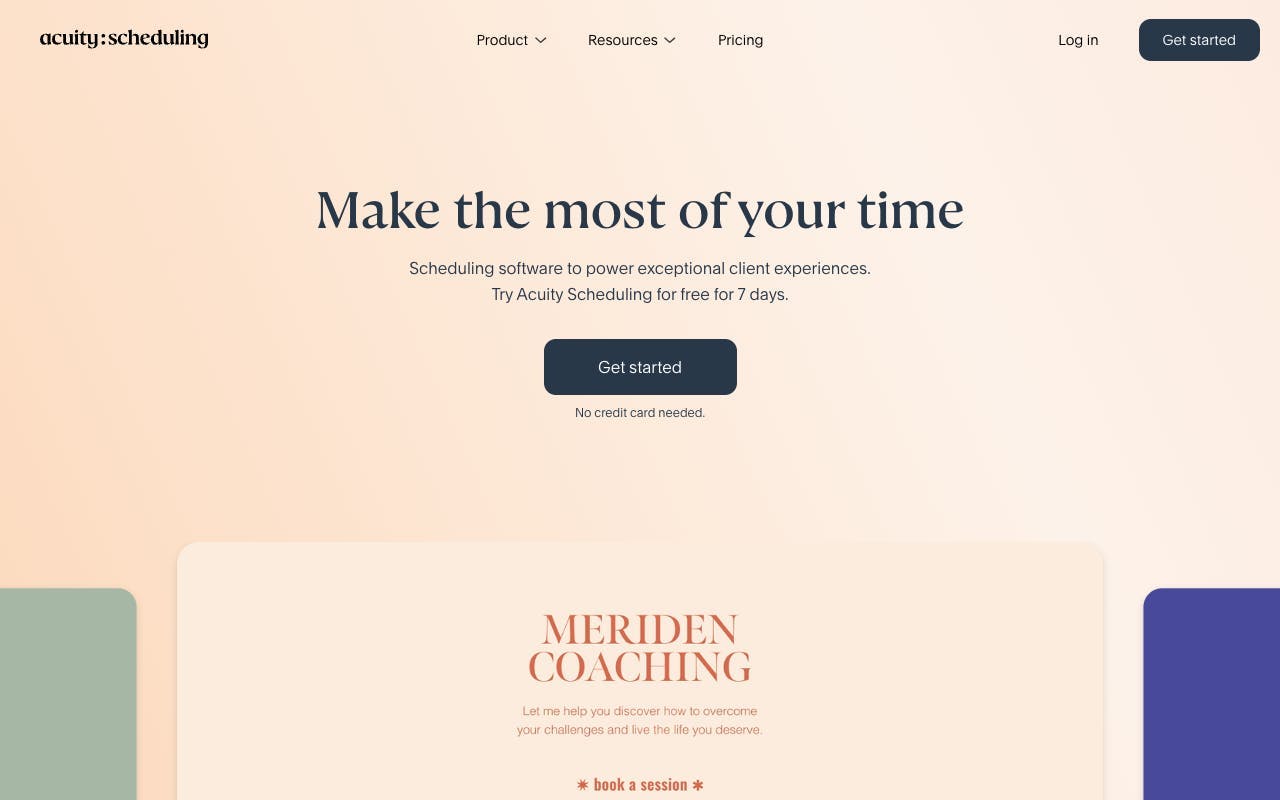
Acuity Scheduling offers more granular controls than Calendly, including intake forms, package booking, and cancellation policy enforcement.
- Customizable intake and intake-style forms at booking
- Automated reminders, follow-ups, and cancellation workflows
- Payment collection at time of booking
- Group class and package scheduling options
- No BAA by default; review data handling before collecting sensitive information
Best for: Therapists who want robust scheduling controls and automated client communication outside their EHR.
Documentation Support and Faster Notes
This is where most therapists lose the most after-hours time. Start with your EHR's built-in templates and smart text features. If that is not enough, AI documentation tools like Supanote can draft notes from session content, cutting documentation time significantly. The key is always reviewing and finalizing every note yourself. For non-clinical notes, training ideas, and practice-building content, general apps like Evernote work fine.
EHR Templates
Your EHR's built-in note templates are the safest and most underused documentation tool available to you, with PHI staying inside one compliant system.
- Pre-built progress note, treatment plan, and intake templates
- Smart text and auto-fill fields to speed up repetitive entries
- PHI stays within your existing BAA coverage
- No additional cost or compliance setup required
- Customizable to match your documentation style
Best for: Any therapist who wants to cut note time without adding a new tool or compliance risk.
Supanote
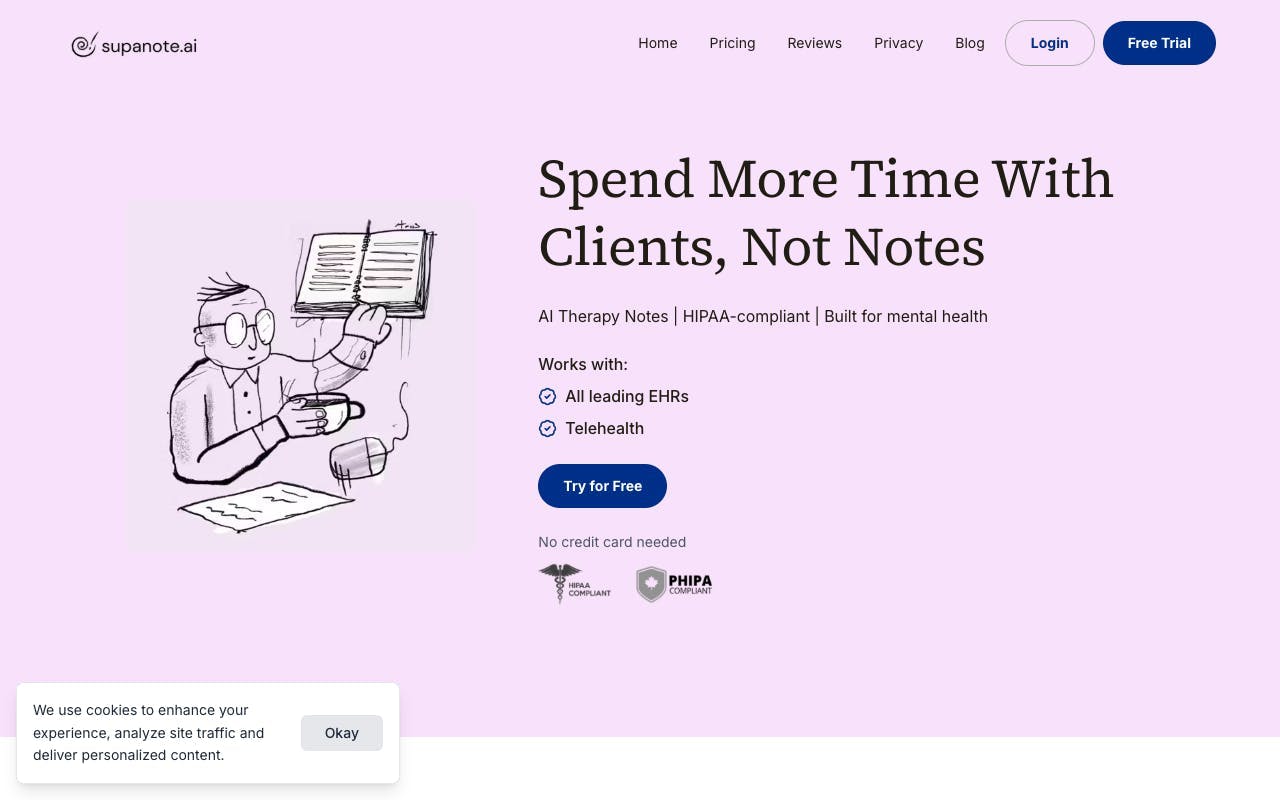
Supanote is an AI-assisted documentation tool that drafts therapy notes from session content, helping you finish notes faster without sacrificing clinical quality.
- AI-generated note drafts based on session input
- Supports multiple note formats including SOAP, DAP, and BIRP
- Designed specifically for mental health clinicians
- Clinician review and edit required before finalizing
- Verify current BAA status and data retention policies before use
Best for: Therapists with high session volume who are losing evenings to documentation backlog.
Billing, Invoicing, and Money Clarity
For private-pay practices, tools like QuickBooks Self-Employed handle bookkeeping well. The critical rule: never put clinical details in invoice descriptions or transaction memos. If you bill insurance outside your EHR, Office Ally is a reliable claims tool.
EHR Client Portal
Your EHR's client portal is the simplest compliant option for exchanging forms, documents, and secure messages with clients.
- Secure document upload and download for clients
- Digital intake forms, consent forms, and treatment agreements
- HIPAA-compliant messaging within the portal
- Covered under your existing EHR's BAA
- No additional compliance setup required
Best for: Any therapist who wants a secure, compliant way to exchange files and forms without adding another tool.
Google Drive
Google Drive is a cloud storage and collaboration tool that works well for non-PHI practice operations when configured correctly under a Google Workspace plan.
- File storage, sharing, and real-time document collaboration
- Google Docs, Sheets, and Slides included
- BAA available through Google Workspace with correct plan and configuration
- Granular sharing permissions and access controls
- Not appropriate for PHI without proper Workspace setup and BAA in place
Best for: Internal operations, non-PHI resource libraries, and practice-building content.
QuickBooks Self-Employed
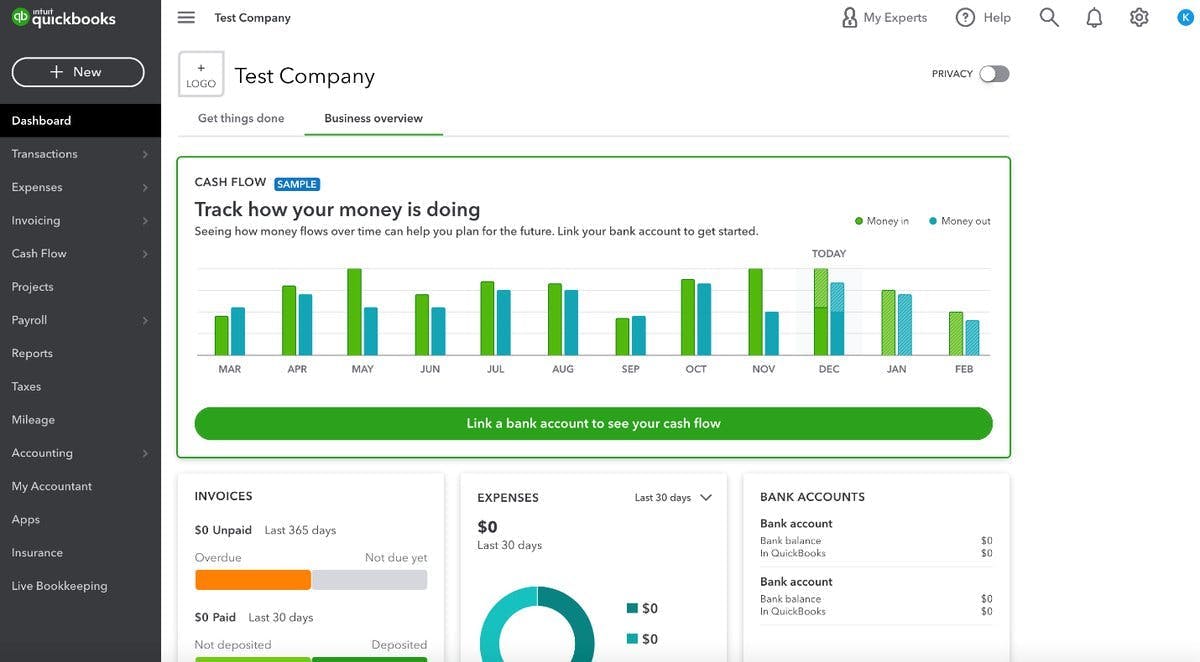
QuickBooks Self-Employed is a bookkeeping and tax-tracking tool that helps private-pay therapists stay organized for quarterly taxes and expense tracking.
- Automatic income and expense categorization
- Mileage tracking for business travel
- Quarterly estimated tax calculations
- Invoice creation and payment tracking
- No BAA available; never include clinical details in memos or descriptions
Best for: Private-pay solo therapists who need simple bookkeeping and tax organization.
Office Ally
Office Ally
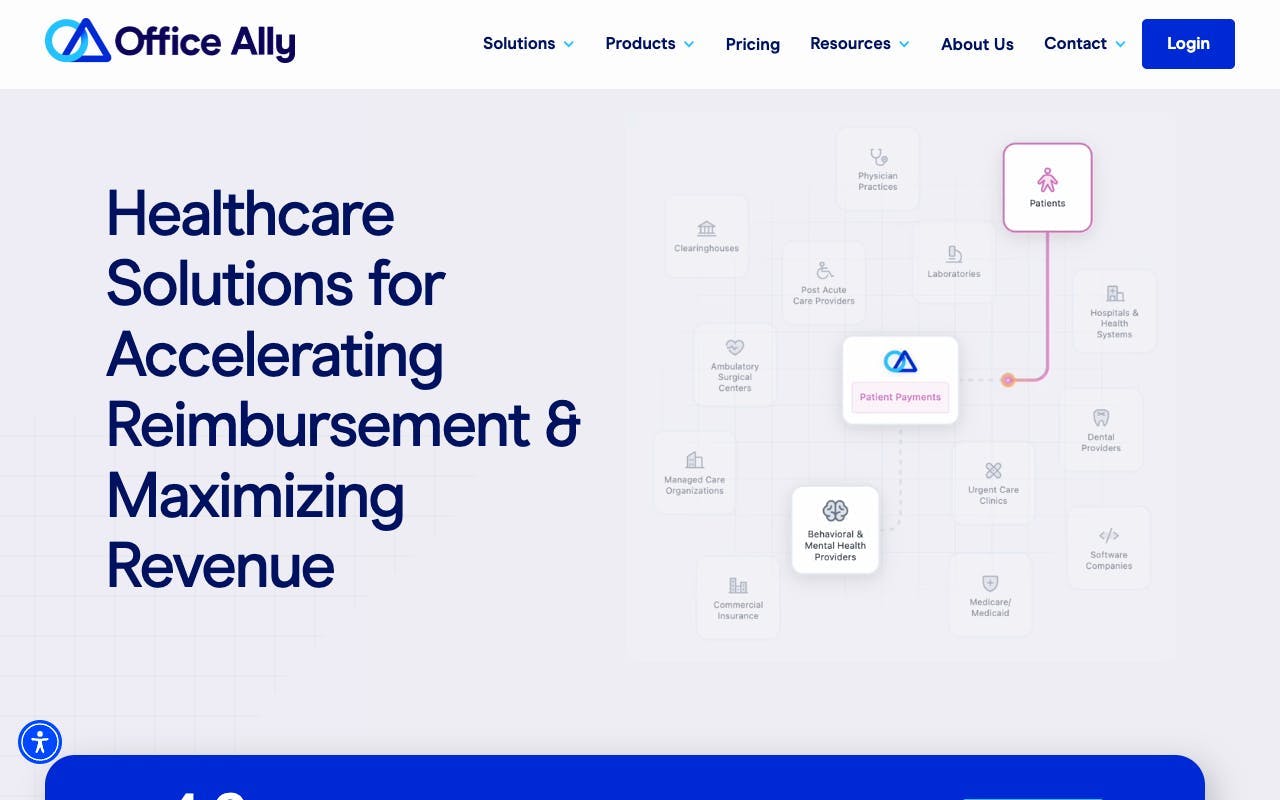
Office Ally is a clearinghouse and practice management tool that handles insurance claims submission for therapists who bill outside their primary EHR.
- Electronic claims submission to major payers
- ERA and EOB retrieval and reconciliation
- Eligibility verification before sessions
- Free claims submission option available
- BAA available
Best for: Insurance-heavy practices that need a reliable claims tool outside their EHR.
Between-Session Tools and Self-Care
Quenza lets you send assignments and psychoeducation between sessions with clear boundaries. For your own focus, a single task manager like Todoist keeps admin visible without mixing in PHI. And something like Headspace between sessions is not indulgent. It is maintenance.
Quenza
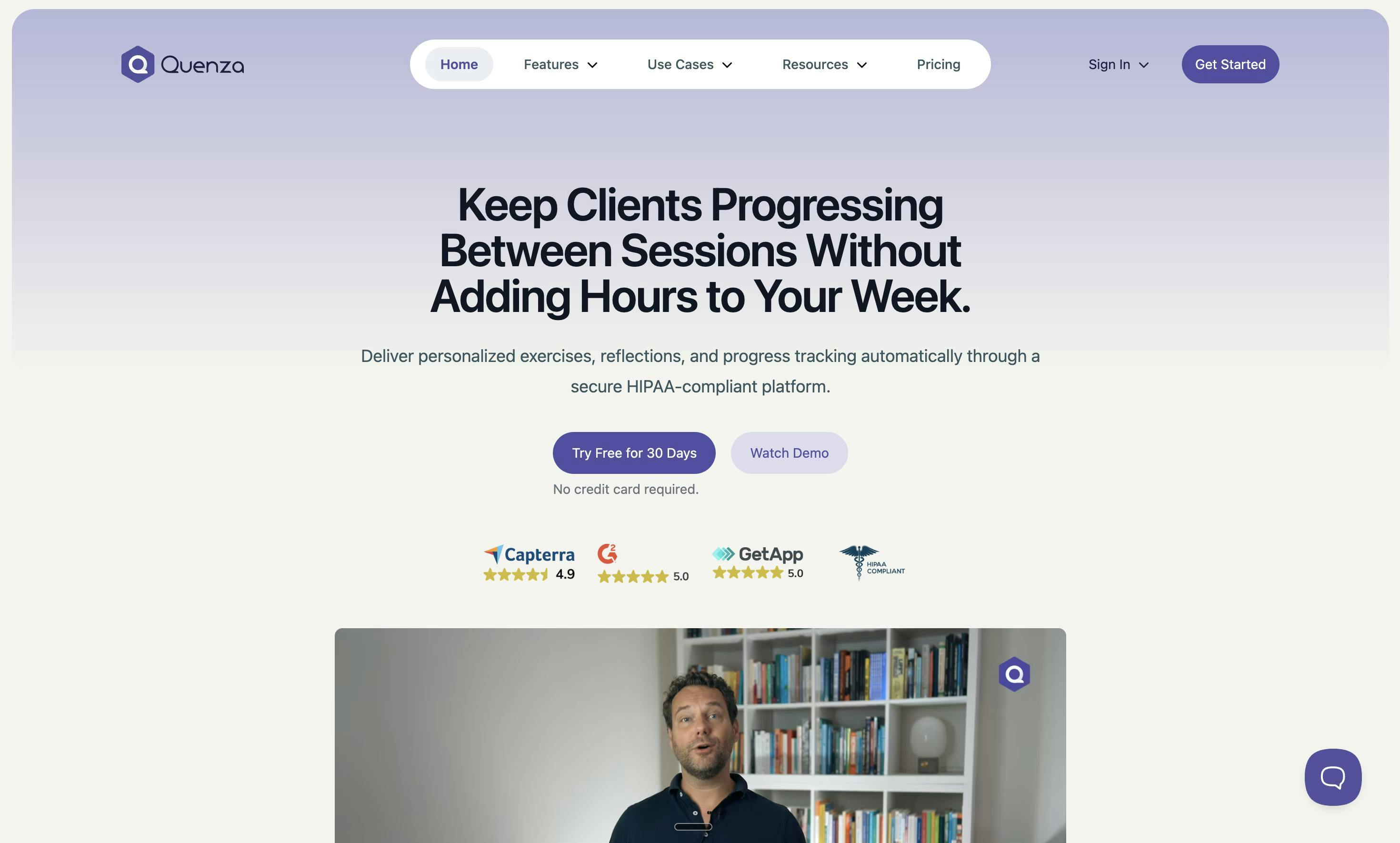
Quenza is a between-session engagement platform that lets you send structured assignments, psychoeducation, and check-ins to clients outside of session.
- Pre-built and customizable client activity library
- Automated delivery scheduling for assignments and exercises
- Client progress tracking and completion notifications
- Secure messaging with clear boundary controls
- BAA available
Best for: Therapists who want to extend therapeutic work between sessions with structured, trackable client activities.
Headspace
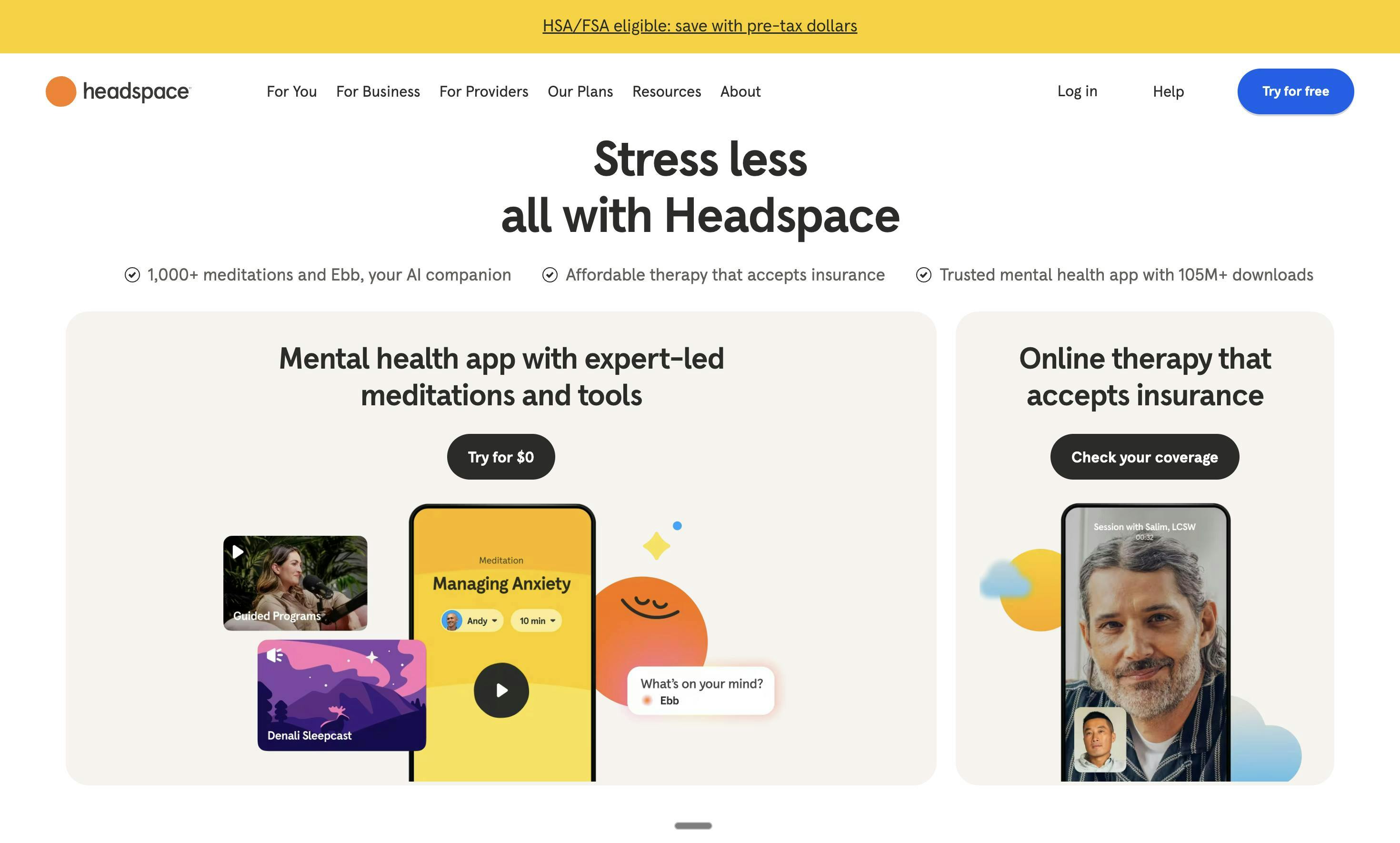
Headspace is a guided meditation and mindfulness app that supports your own mental reset between sessions and after demanding clinical days.
- Guided meditations ranging from 3 to 20 minutes
- Focus music and sleep content
- Stress and anxiety management exercises
- No PHI involved; purely for personal use
Best for: Therapists who need a quick, structured reset between sessions or at the end of a high-acuity day.
Todoist
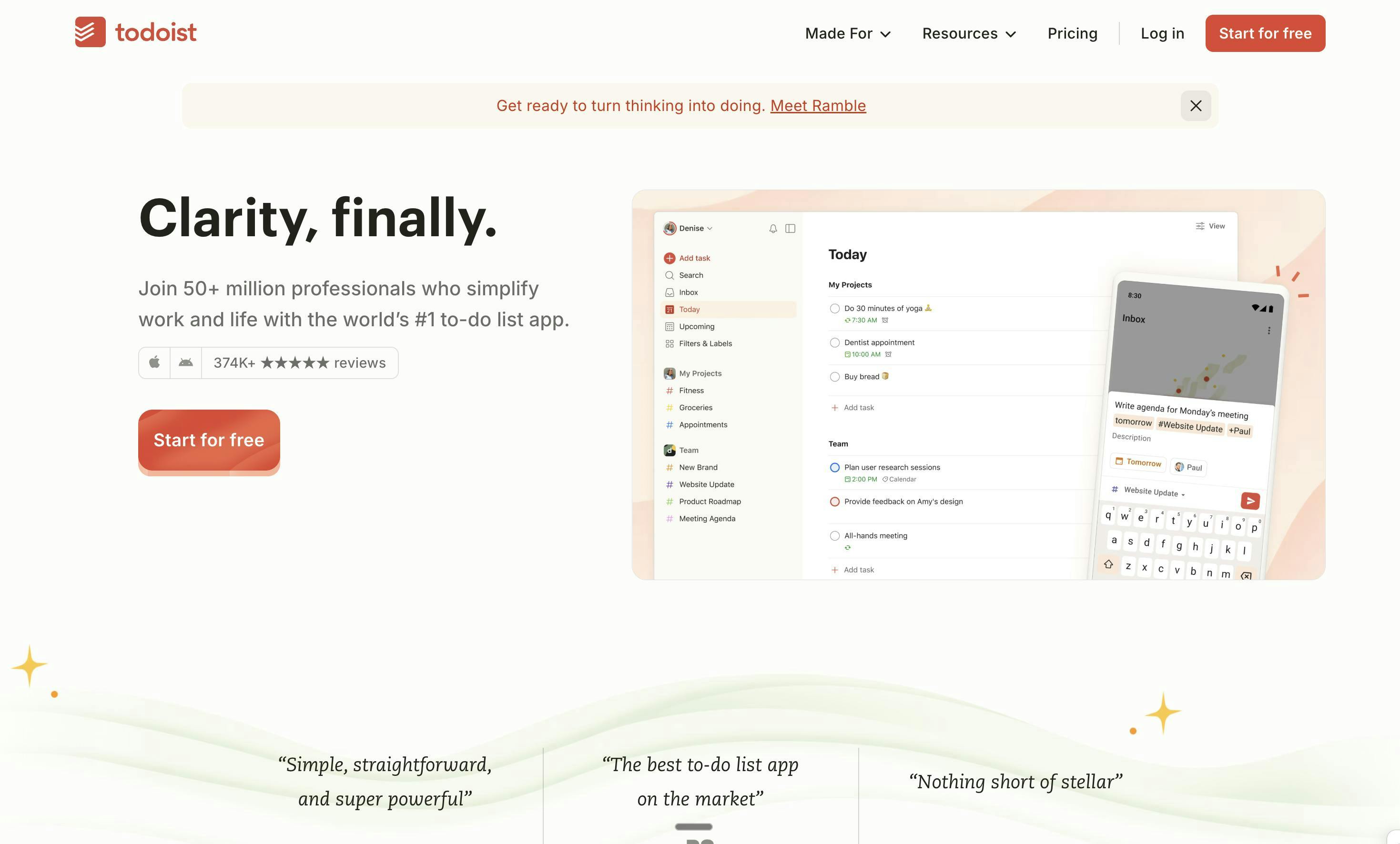
Todoist is a task management app that keeps your admin to-do list organized and visible without ever touching client data.
- Task creation with due dates, priorities, and labels
- Project-based organization for different practice areas
- Recurring task setup for weekly and monthly admin routines
- Cross-device sync across phone, tablet, and desktop
- No PHI involved; never include client names or clinical details in tasks
Best for: Therapists who want one clean, PHI-free place to manage practice admin tasks.
How to Choose the Right Productivity App for Therapists
10 Questions to Ask Before You Commit
- Does it handle PHI? If yes, can you get a BAA and clear security documentation?
- What problem does it solve in under 30 seconds to explain?
- Does it reduce clicks or add steps to your current workflow?
- Does it integrate with your EHR, calendar, and payment system?
- Can you use it on your real devices (phone, tablet, desktop) without friction?
- What does the client experience look like from their side?
- Can you control reminders, boundaries, and notification noise?
- How easy is it to export your data if you leave?
- What is the total monthly cost, including add-ons?
- What happens if it goes down during a workday?
Avoid These Common Traps
- Buying an all-in-one when you only need scheduling fixes. You will pay for complexity you resent.
- Using non-compliant tools for convenience. "It probably is fine" is not a compliance strategy.
- Over-automating client communication. Clients notice when messages feel robotic. Protect the human tone.
- Adding overlapping apps. Two tools doing the same job costs you money and attention.
Real-World Setups for Different Therapist Contexts
Solo Private Practice, Mostly Private Pay
- EHR for notes, client portal, and payments (SimplePractice or similar)
- Scheduling through EHR; add Calendly only if EHR scheduling is weak
- Todoist for admin tasks with PHI-free task naming
Insurance-Heavy Practice
- EHR with strong claims workflow (TherapyNotes or similar)
- Recurring task list for authorizations, claim follow-ups, and reconciliations
- Office Ally if billing outside the EHR
Telehealth-Focused Clinician
- Telehealth built into EHR or a healthcare-grade video platform
- Automated reminders with tight late-cancel policy workflow
- AI documentation support (like Supanote) to prevent end-of-day note backlog
Group Practice Owner or Clinical Director
- EHR with role-based access and audit trails
- Standardized note templates and shared resource libraries
- Reporting dashboards for capacity, scheduling gaps, and billing status
Conclusion
The best productivity app for therapists is not the one with the longest feature list. It is the one that removes your biggest daily friction while keeping client data safe. That might be an EHR upgrade. It might be a scheduling tool. It might be an AI note assistant that gives you back your evenings.
Pick one category to improve first. Confirm compliance. Choose tools that reduce after-hours work so you can show up better in session tomorrow.
FAQs: Productivity Apps for Therapists
What is the best productivity app for therapists?
It depends on your biggest bottleneck. If documentation eats your evenings, an AI note tool or better EHR templates will have the most impact. If no-shows are the issue, a scheduling tool with automated reminders is your priority. For most clinicians, starting with a strong EHR that handles notes, scheduling, and billing in one place gives the best return.
Can you use Google Workspace tools with PHI?
Only with the correct Google Workspace plan, a signed BAA from Google, and properly configured sharing and access settings. If you are unsure whether your setup qualifies, keep all PHI inside your EHR and use Google tools exclusively for non-clinical operations.
Are AI note-writing tools worth it?
They are worth it when they meaningfully reduce after-hours documentation and you still review and finalize every note. They are not worth it if the vendor's privacy terms are unclear, you cannot obtain a BAA, or you find yourself rubber-stamping notes without reading them.
How many apps is too many?
If two tools do the same job, you are paying with both money and attention. Aim for one system of record for PHI, plus a small supporting set of two to three tools for tasks, scheduling, or focus. Anything beyond that usually creates more admin than it saves.
Should I switch EHRs to be more productive?
Only if your current EHR is the actual bottleneck. Before switching, check whether you are using all the features you are already paying for. EHR migrations are time-intensive and disruptive. Often, learning your current system better or adding one targeted tool solves the problem faster.
